Tips by Room: What to Photograph and What to Change
These five are guides, not a setting in the tool.
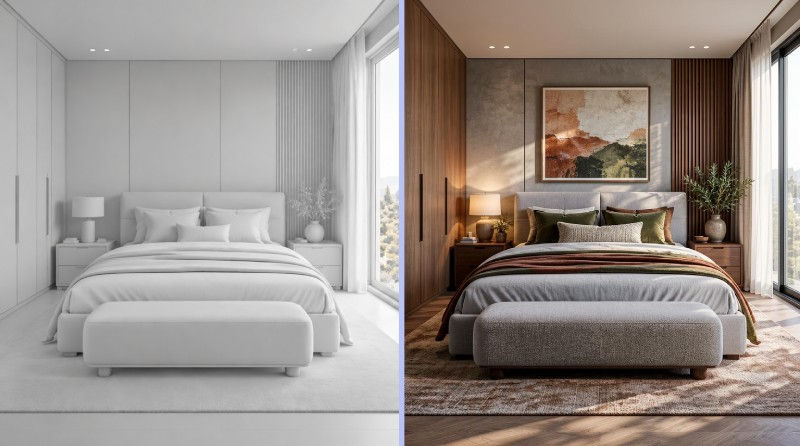
Bedroom
In many bedrooms the bed fits one wall only, so skip the new layout. Ask for what you can change in a weekend: headboard, bedding, the wall behind the bed, lamps. Guide: AI bedroom design
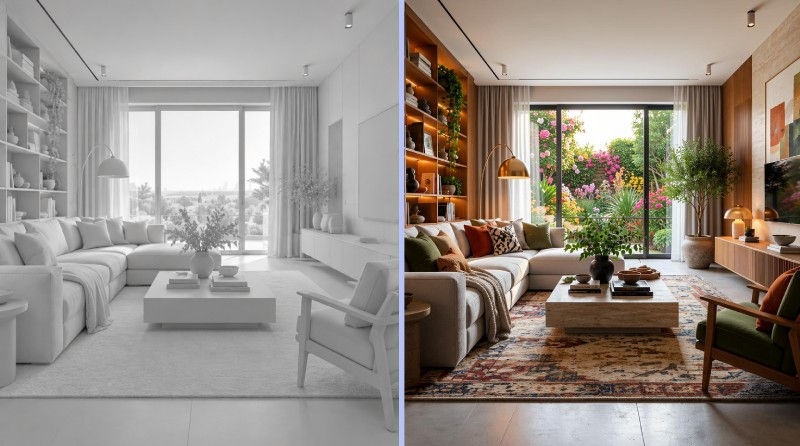
Photograph the wall your sofa stands against, with a window in the frame. The sofa and rug set the look, so change those first. Guide: AI living room design
Living room
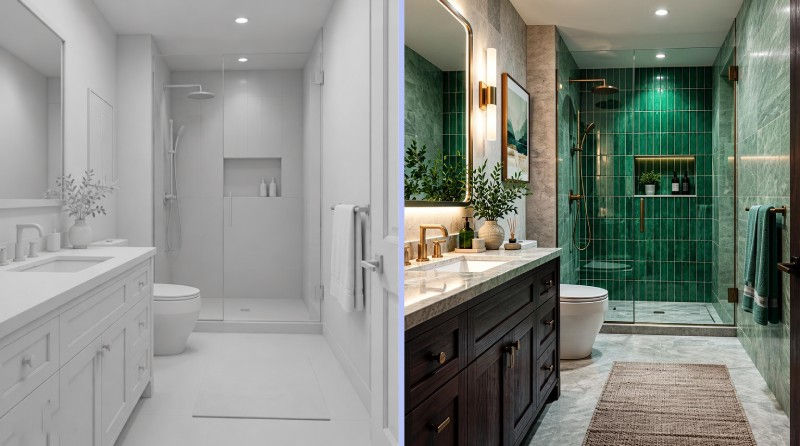
Most bathrooms are too narrow for a wide shot, so stand in the doorway and hold the phone upright. The result keeps your photo's proportions. Check that the toilet, sink and shower stay where they are in the result, because moving plumbing is the costly part of a real job. Guide: AI bathroom design
Bathroom
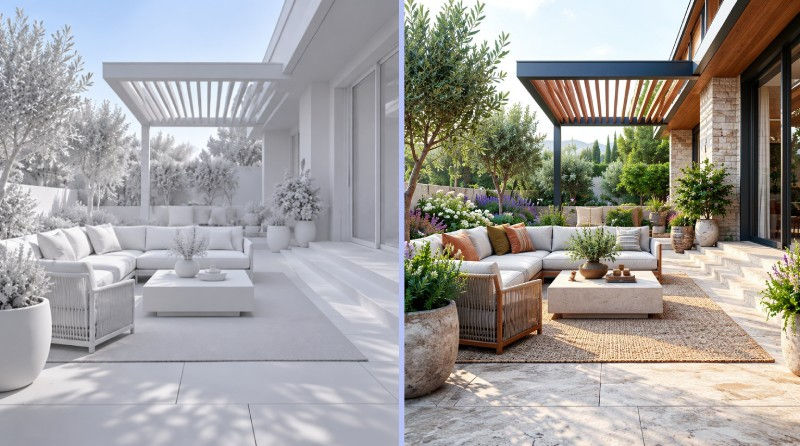
Shoot in even daylight, without hard shadows across the ground. Ask for pieces you would buy, such as a seating set, planters or an outdoor rug. Guide: AI patio design
Patio
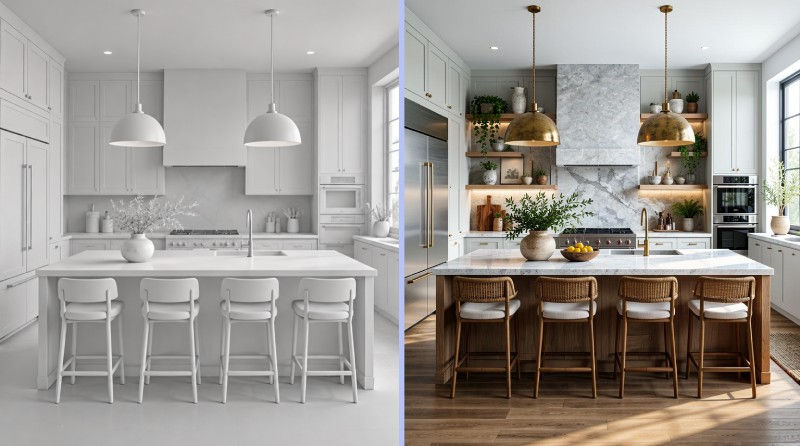
If the cabinets stay where they are, ask only for finishes: "sage green cabinet doors, oak countertop, white tile backsplash". In a galley kitchen, stand at one end so both rows of cabinets show. Guide: AI kitchen design
Kitchen
How to Design a Room with AI in 3 Steps
To design or decorate a room with AI, create a free account, upload one photo, describe the look in a sentence and compare the result with your photo. With the default settings the AI is told to keep the room's shape, walls and windows and to change the furniture and colors you ask for. There is no style menu to click through: your sentence is the brief.
1. Upload a photo of the room
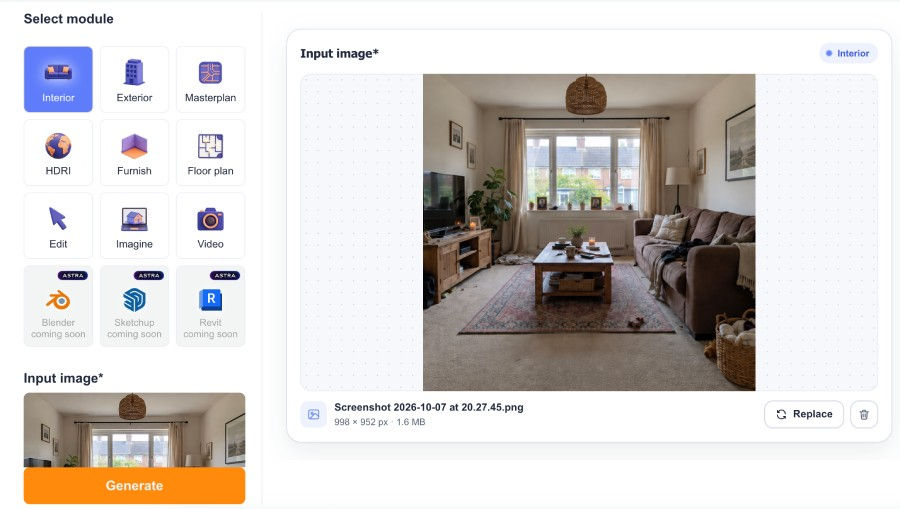
Shoot wide and level from a corner, in daylight. One photo per redesign.
2. Say what you want in a sentence
Name the room, the look and the pieces that matter, for example:
"Use an olive green curved sofa, a sculptural walnut coffee table, a layered fabric pendant lamp, and a curved wood TV unit."
Ask only for what should change. Leave the text box empty and the AI is only told to redraw the room and keep its colors.
3. Compare, then download or change one part
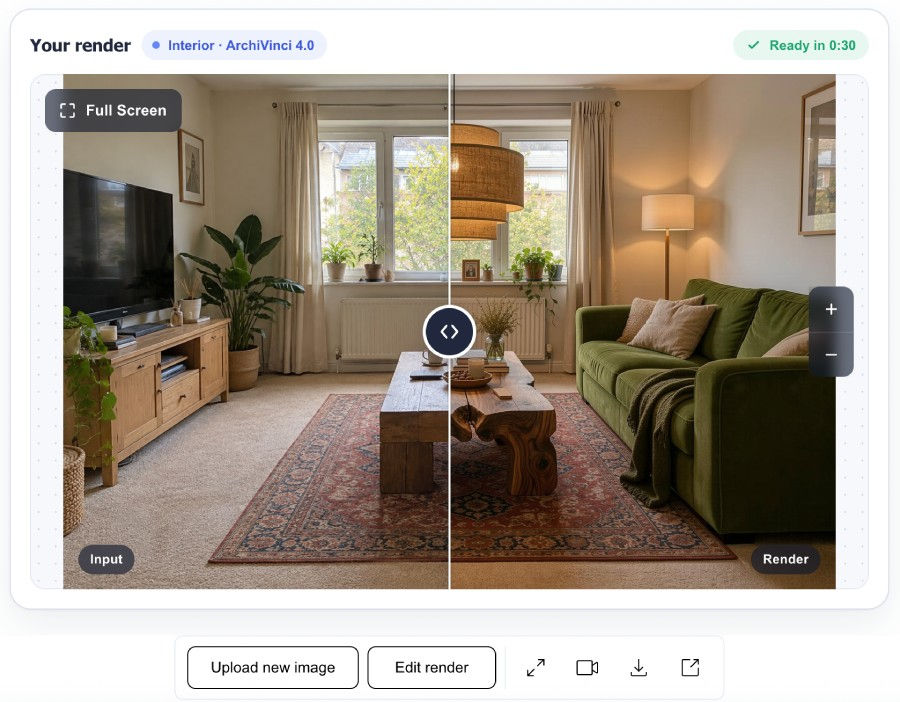
The result opens in a before/after view with your photo. Download it, or use the Edit render button to change one part. Results are removed from your account after 7 days, so download the ones you want to keep.
Room Makeovers: Before and After
For a kids' room, bathroom, dining room, hallway or home office, name the room in your description.
Kids' Room Redesign
Design your child’s room from a real photo. ArchiVinci creates bright safe and inspiring spaces for play study and comfort in seconds.

Bathroom Redesign
See how a bathroom transforms into a modern design in seconds. ArchiVinci modules analyze your room and create redesign ideas.

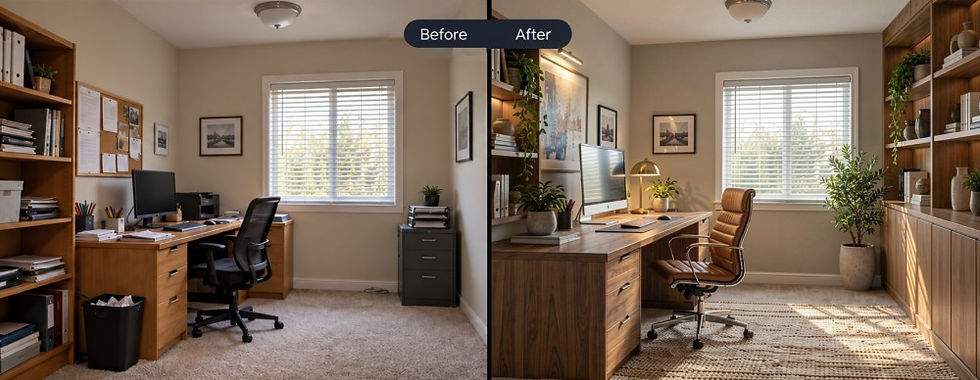
Home Office Redesign
See how a home office transforms into a focused, stylish workspace in seconds. ArchiVinci analyzes your room and creates redesign ideas that improve layout, style, and atmosphere.
What an AI Room Makeover Keeps and What It Changes
The fair worry is getting back somebody else's room. With the default settings, every request tells the AI to keep your photo's perspective and the room's geometry. The result has your photo's proportions, with no crop to a square.
Meant to stay
The camera angle, the shape of the room, the position of walls, windows and doors.
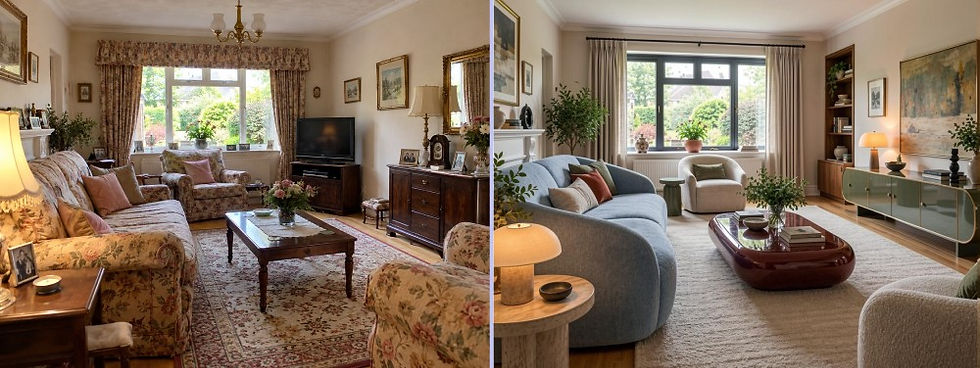.jpg)
Changes when you ask:
furniture, colors, materials, style
Can shift anyway:
The light (pick a lighting mood to steer it) and small details. A bare room may get extra items.
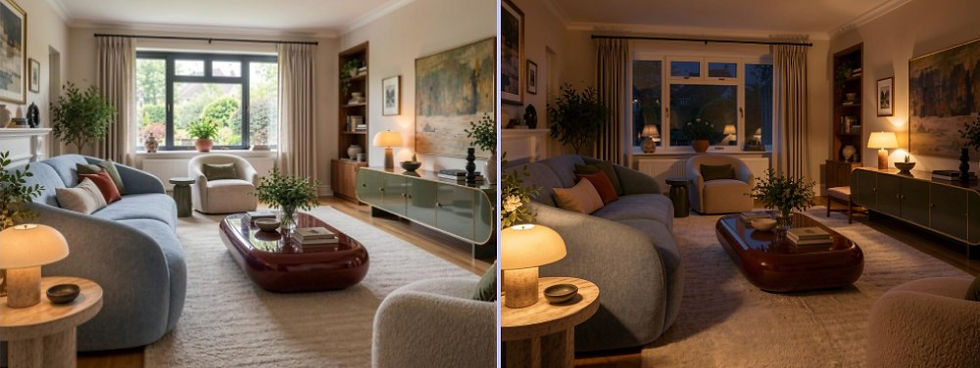
"Show the room in the evening with warm ambient lighting"
That instruction is not a lock, and the result is a picture, not a technical drawing. The whole picture is redrawn, so check it against your photo. A full room makeover in one request drifts further from your photo than a new sofa and wall color.
AI Room Design Ideas: Room Styles to Try
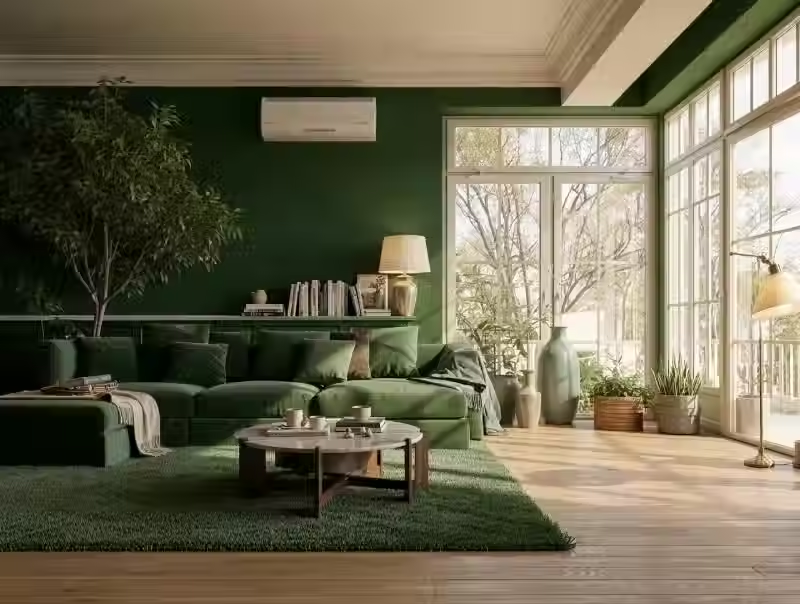
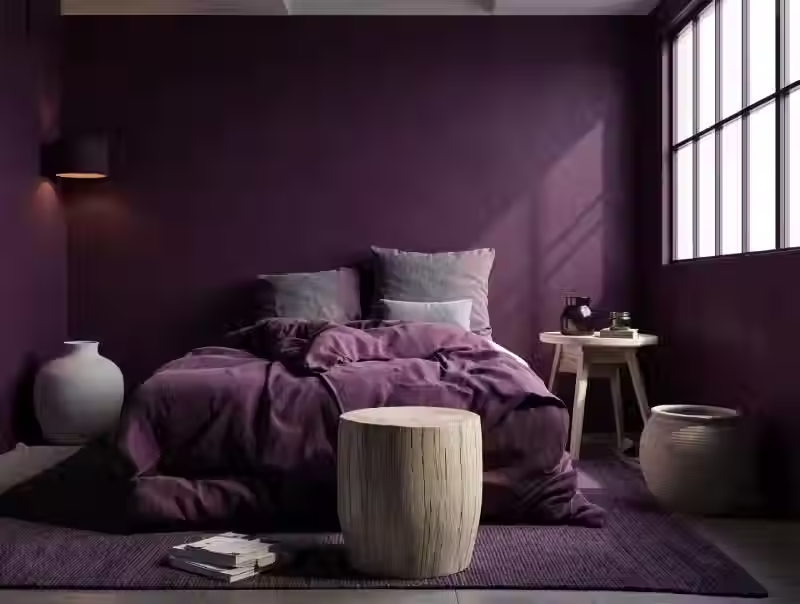
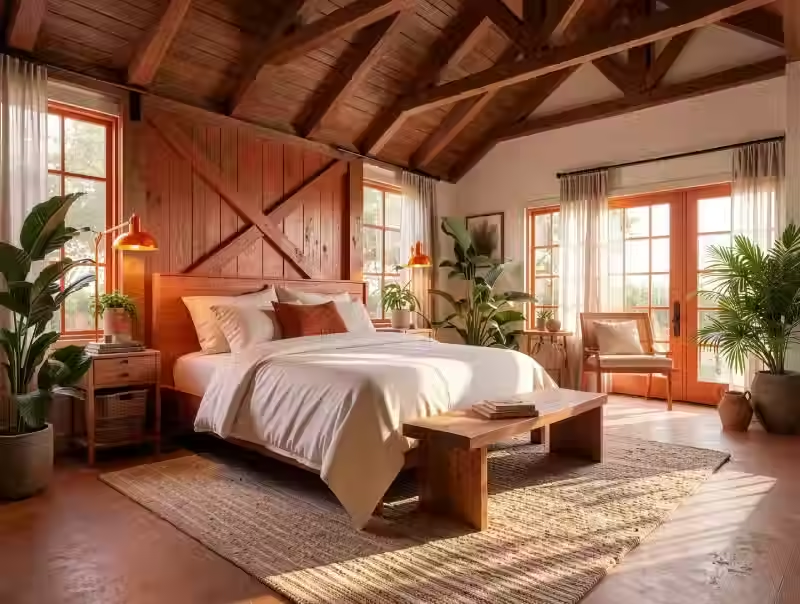
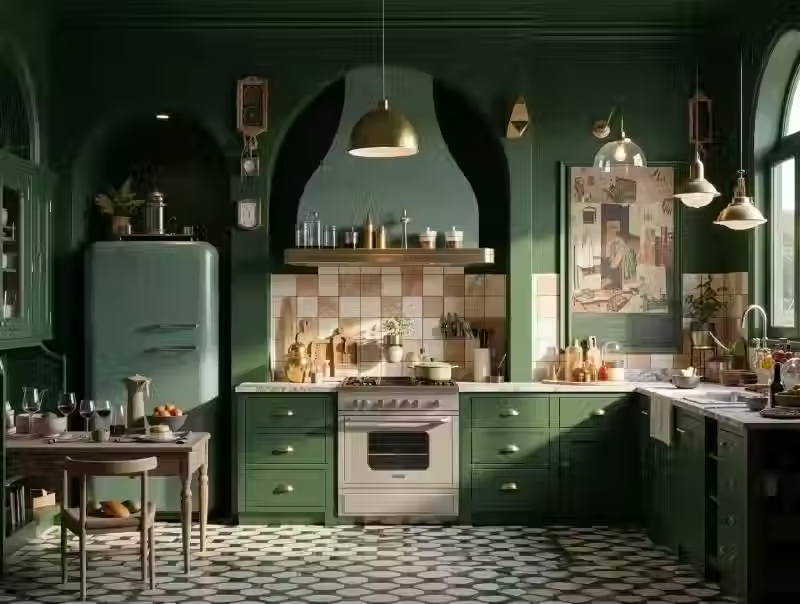
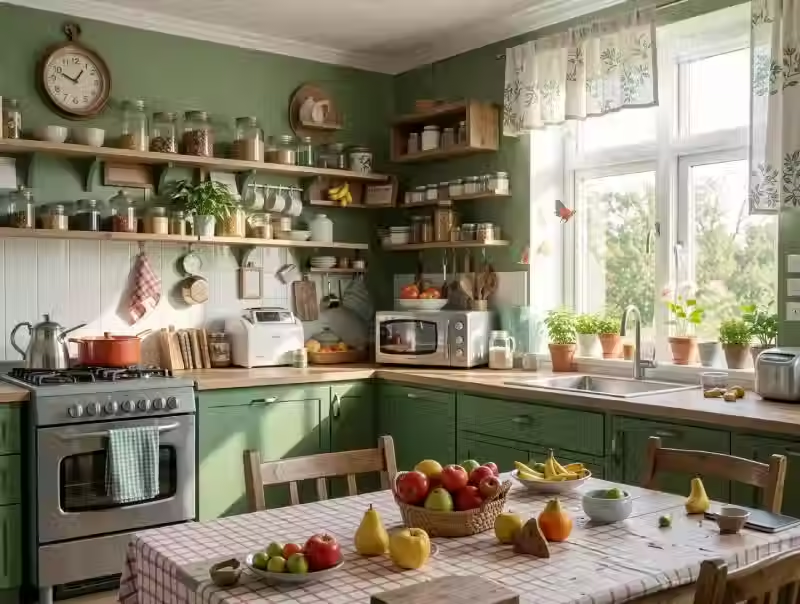
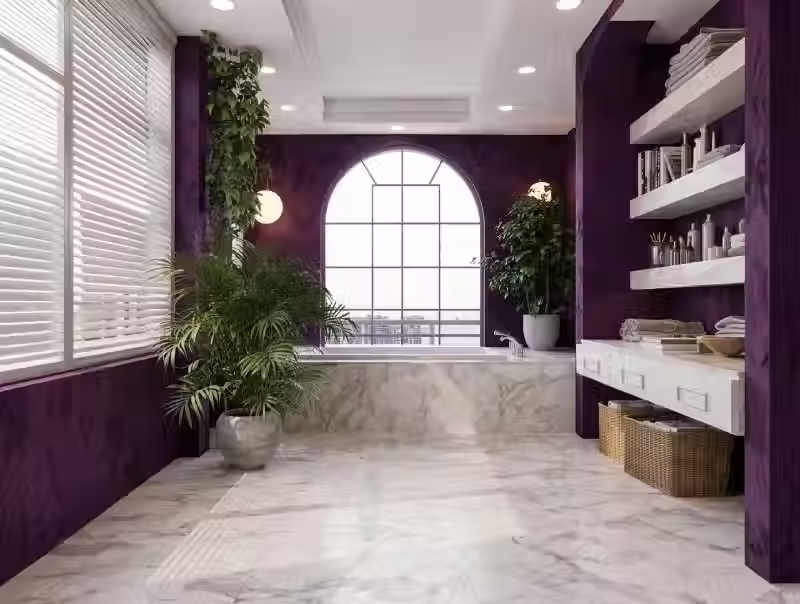
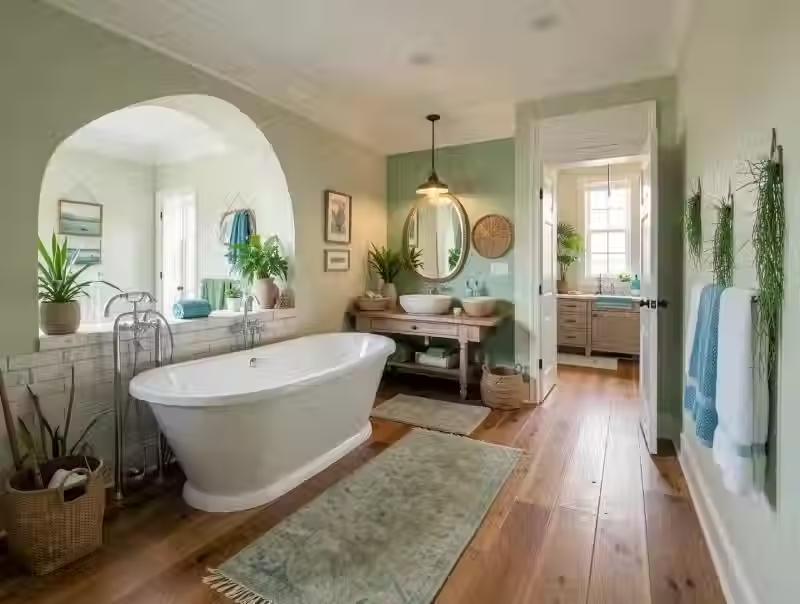
The links below open finished examples of room styles, not presets. Nothing carries over into the tool. Pick one, note its wall color, main material and one standout piece, and describe them in your own words.
Living room
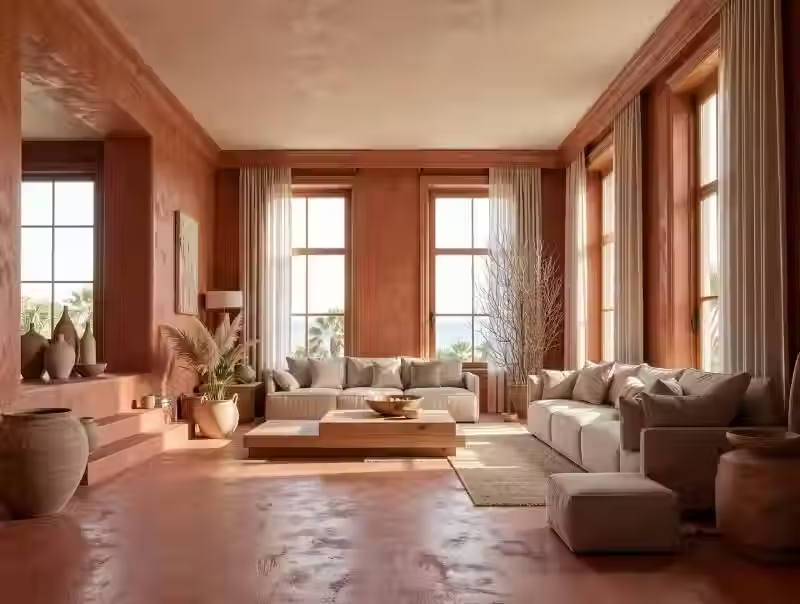
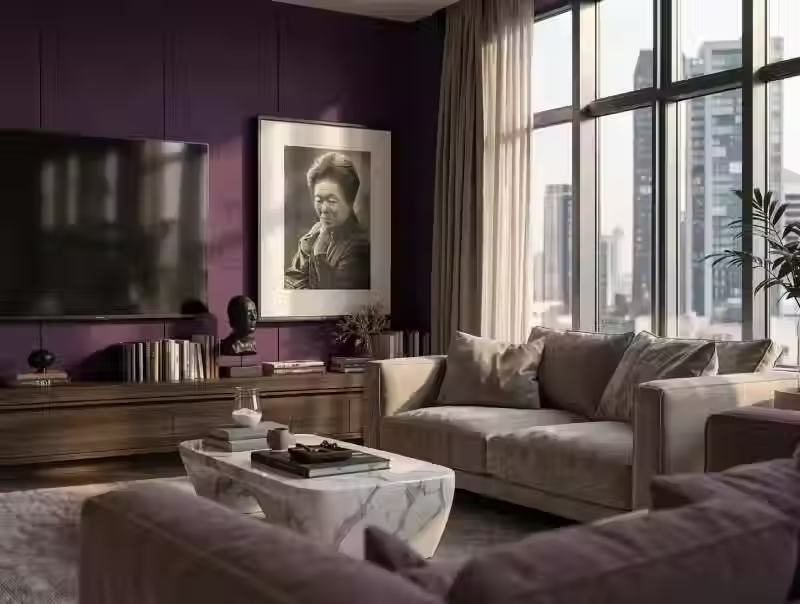
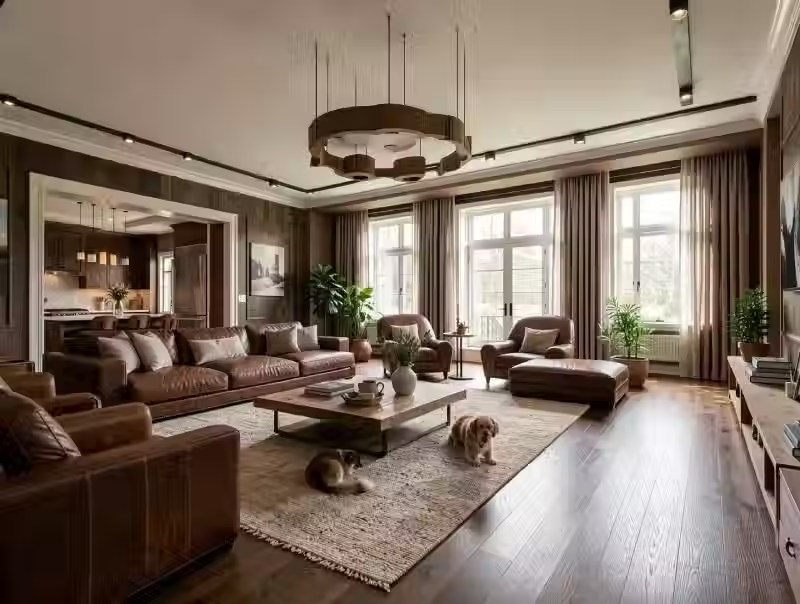
Bedroom
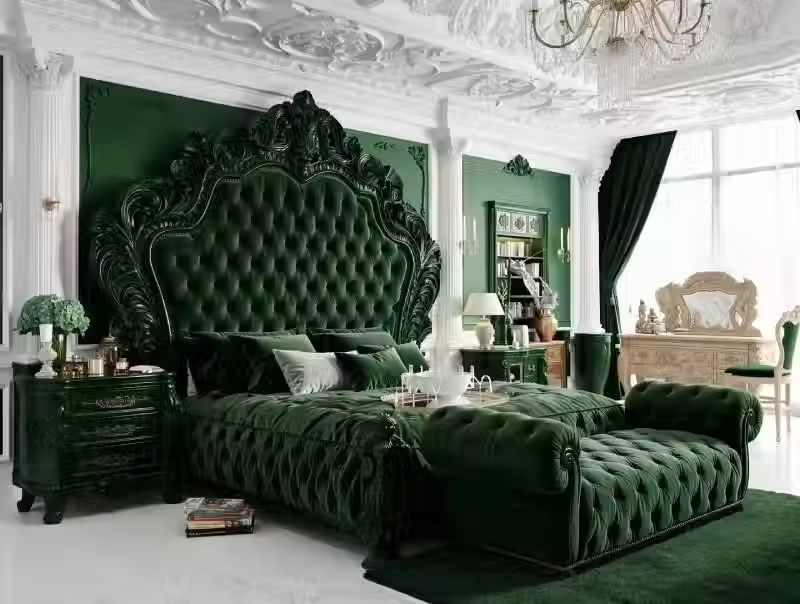
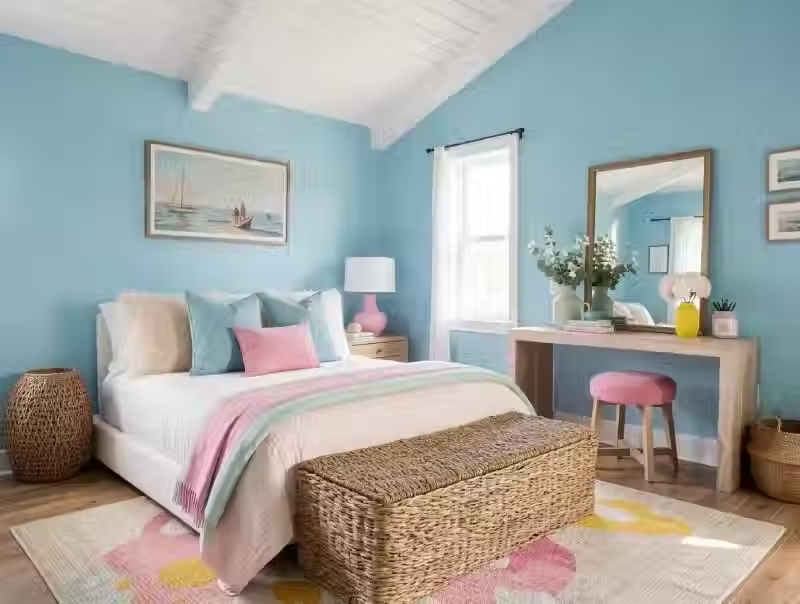
Kitchen
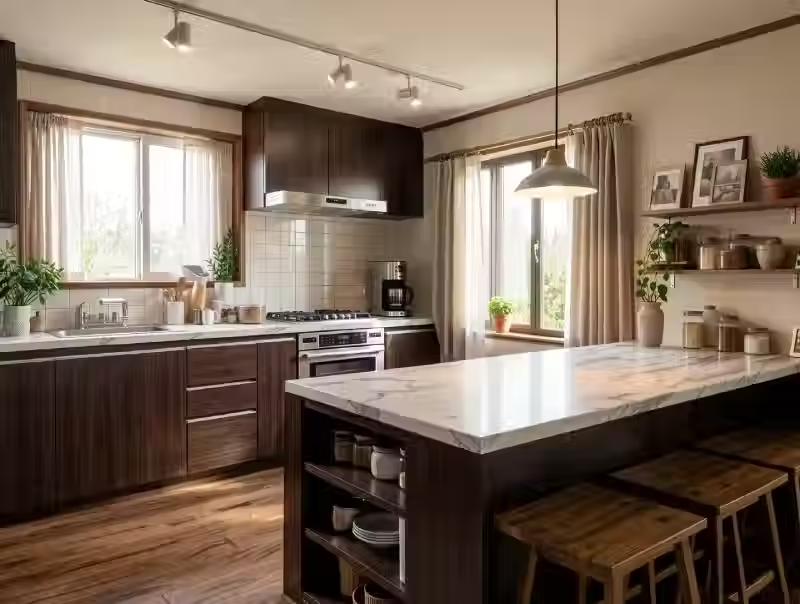
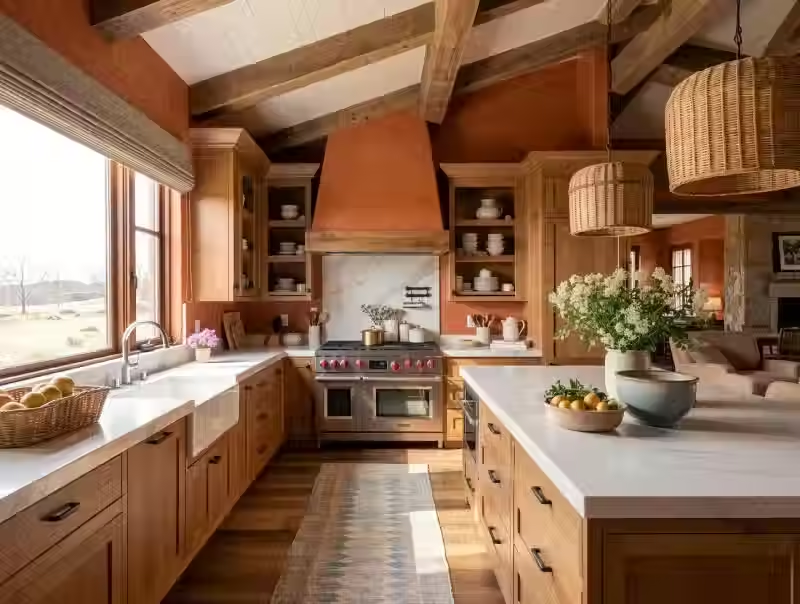
Bathroom
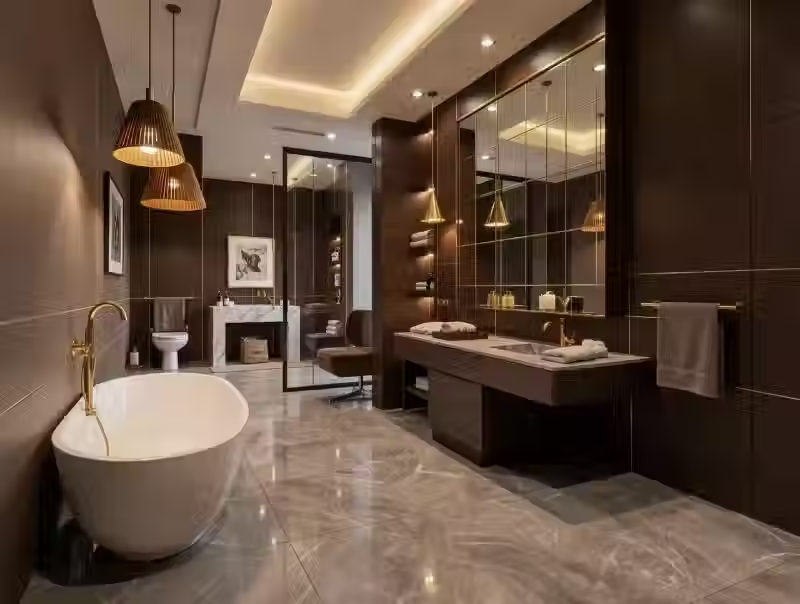
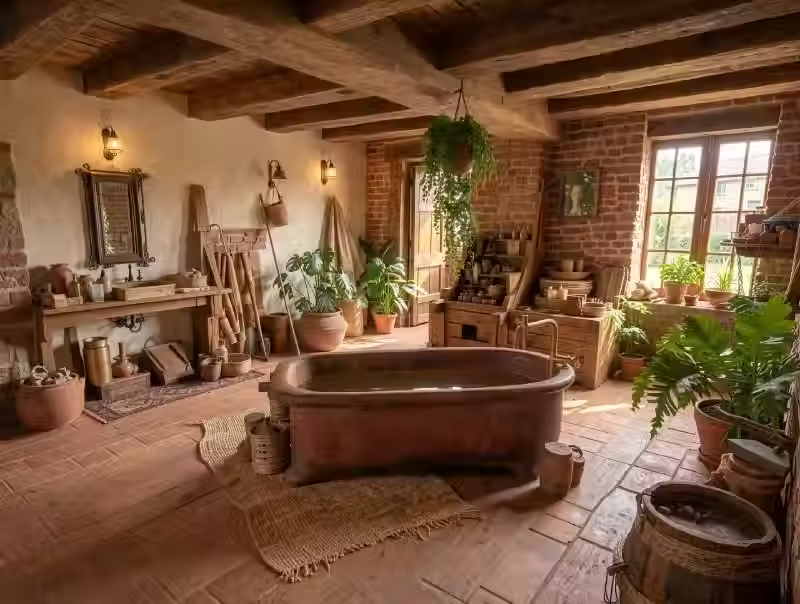
For other palettes, browse all interior styles
AI Room Design vs. Room Planner Apps vs. Hiring a Designer
AI room design shows how your room could look. A room planner app shows what fits, to scale. A designer can do both and run the project.
AI room design (ArchiVinci) | Room planner app | Interior designer |
|---|---|---|
If you came for an AI room planner, note that ArchiVinci is an AI room designer and decorator, not a planner. It does not measure your room, draw a floor plan from your photo or list the furniture in the picture. To know if a three-seat sofa fits between the door and the radiator, use a planner app or a tape measure. To know if it looks heavy in dark blue, use a picture.
Is AI Room Design Free?
Yes, for your first 3 redesigns, with a free account. A new account comes with 3 free credits, and one credit makes one redesign. A free redesign is made the same way as a paid one and has no watermark. Editing a result also uses one of the 3 credits. When they are used up, see plans and prices for a subscription or a one-time package.
Can I use AI room design without logging in?
No. You can open the tool without signing in, but uploading a photo brings up the sign-up window. Create a free account and you land back on the tool. No card is needed for the free credits
How to Photograph Your Room
Take one wide, level photo from a corner or the doorway, in daylight.
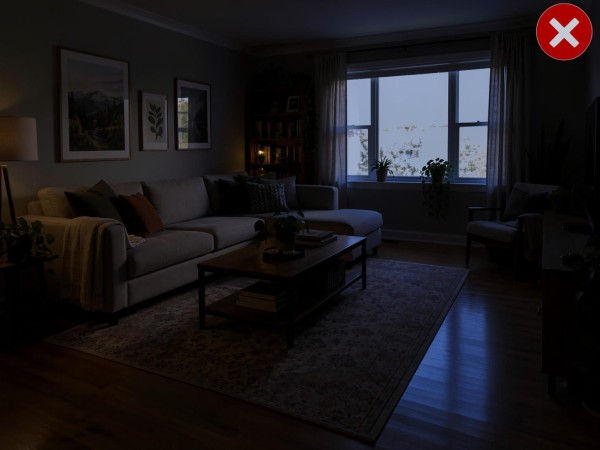
Light: curtains open, flash off. Do not aim straight at a bright window.
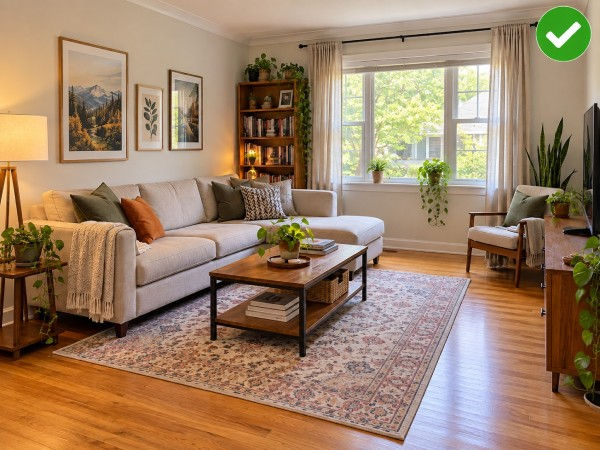
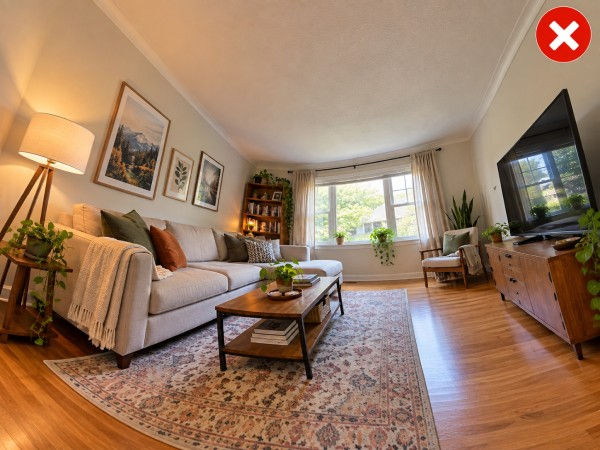
Level and lens: hold the phone level at chest height, on the normal 1x. The AI is told to keep the angle it sees, so a tilted phone can give tilted walls and an ultra-wide lens can give bent ones.
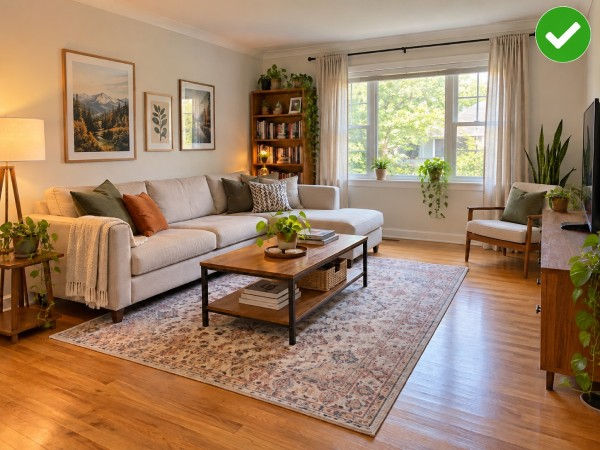
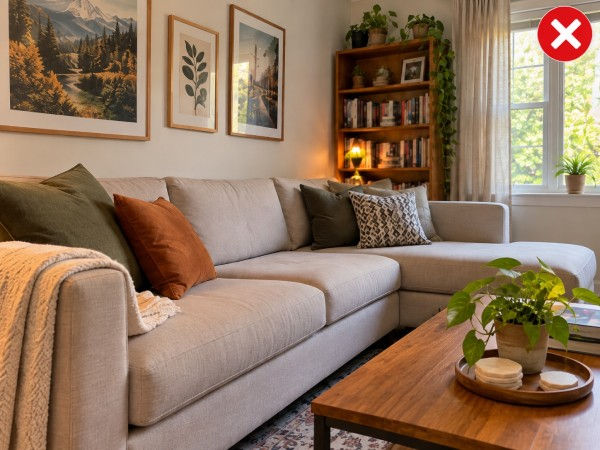
Frame: two walls and plenty of floor.
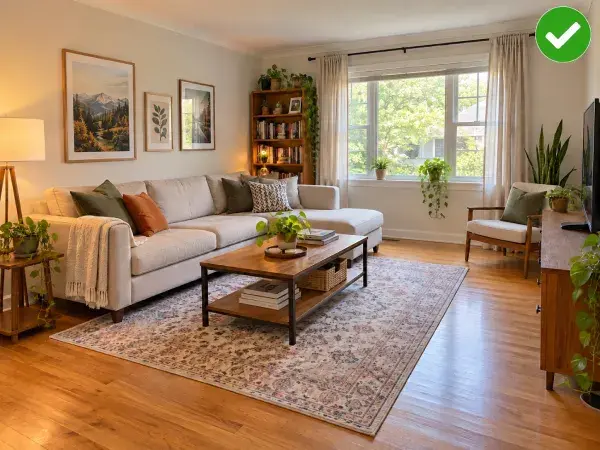
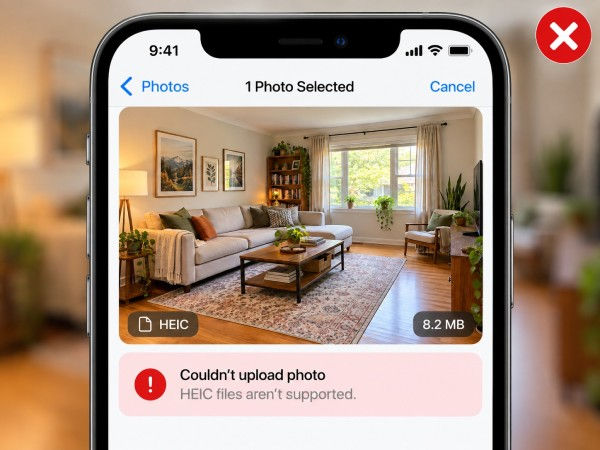
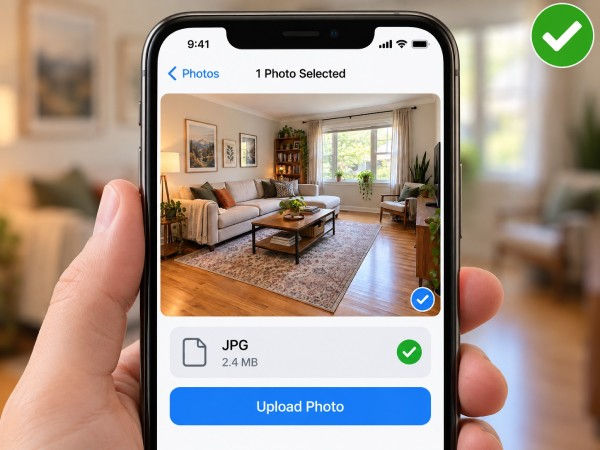
File: take the photo with your camera app, then upload it as JPG, PNG or WebP, up to 5 MB. If the upload fails, the photo is probably over 5 MB or in the iPhone's HEIC format, so upload a smaller JPG copy
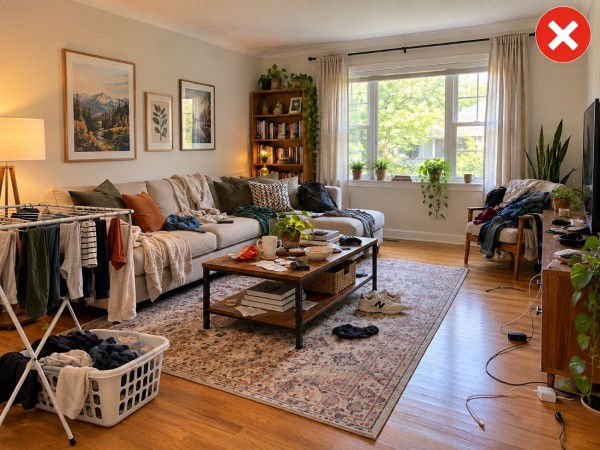
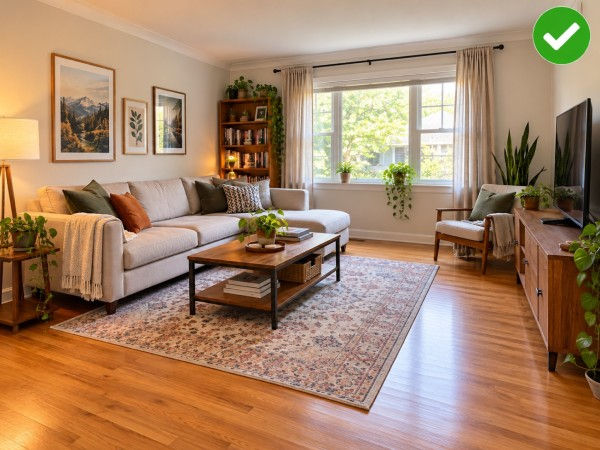
Declutter: move the drying rack, the cables and the pile on the chair out of view.
Frequently Asked Questions (FAQ)
Can I take a picture of my room and have AI design it?
Yes. Upload a phone photo and describe the look you want. ArchiVinci returns a realistic picture of the same room redone, in a before/after view with your original. You do not need measurements, a floor plan or a 3D model.
Is one photo of the room enough?
Yes. Each redesign starts from a single photo. The redesign tool has no setting for another angle. For the opposite side of the room, upload a second photo as a separate redesign. The two results are made independently, so their furniture may not match.
Can AI decorate my room around the furniture I already have?
Not exactly. The AI redraws the whole picture, so a piece you keep can come back looking different. Ask only for what goes around it, such as wall color, curtains, a rug or throw pillows. To change one spot and keep the rest, mark that area with the edit tool.
Can I use AI to redecorate a room I rent?
Yes. Limit the request to what you could take with you when you move, such as a sofa, a rug, curtains or lamps. Leave the walls and floor out of your request, so the AI is not asked to change them.
Can AI rearrange my room or plan the layout?
Not as a measured layout. With the default settings the AI is told to keep the room's shape, so do not count on it to move furniture. The result is a picture, so it cannot tell you whether a dresser fits a wall. Measure before you move or buy anything.
Can I buy the furniture shown in the picture?
No. The furniture is part of a generated picture, so ArchiVinci gives no product list, prices or shopping links for it. Note the shape, color and material of the pieces you like and look for similar ones in stores.
How much does an AI room designer cost?
On ArchiVinci the first 3 redesigns cost nothing with a free account. After that you need a paid plan: a weekly, monthly or yearly subscription, or a one-time package. With an active plan, redesigns on the default settings are unlimited and one run can return up to 4 versions. Prices differ by country, so check the pricing page.
AI Room Design: Redesign Your Room from a Photo
AI room design means uploading a photo of your room and getting back a realistic picture of the same room with new furniture, colors and decor. With ArchiVinci's AI room design generator you describe the look in one sentence, then compare the result with your photo before you buy or paint anything. Your first 3 redesigns are free with a free account.

Works online on your phone or computer, nothing to install
Built on your photo, so the room stays recognizable
Before and after view, no watermark
Tools for More Specific Jobs
Inside the app, your photo stays in place when you switch to Furnish or Edit in the same session.

Empty room
Interior
Place new furniture and décor into any empty room photo.
UNLIMITED with premium plans

One thing to change
Interior
Change existing furniture, colors, and materials in your room photo.
UNLIMITED with premium plans
